
Open source living guide
Gerbils Security Guide for Crypto & NFTs
A practical guide to protecting wallets, accounts, seeds, devices, and digital assets, published locally in fuller form, with GitHub retained as the living source for updates and contributions.
Contents
Introduction
Welcome to the Gerbils Security Guide for Crypto & NFTs. This guide was written as a resource to help the community protect itself against the loss of digital assets. The threat comes both from attackers looking to exploit software and human weaknesses, and from accidental loss caused by weak backup practices, unsafe transfers, and poor operational habits.
It also encourages people to think seriously about inheritance, emergency access, and the systems needed to pass on important assets and recovery information safely.
How crypto gets lost and stolen
Phishing links
Phishing links can arrive through email, Discord, Twitter, and other channels. They typically lead to a malicious website that either impersonates a trusted service, asks for credentials or seed phrases, or delivers malicious code to a device.
Malicious files
Malicious files are another common vector. Attackers may send infected documents, spreadsheets, executables, or files disguised to look harmless in order to compromise your device and pivot toward your accounts and wallets.
Data breaches
Data breaches happen constantly. You should assume that any service you use could eventually leak data such as usernames, email addresses, passwords, addresses, bank details, IP addresses, or other personal information. Reusing passwords or usernames across services magnifies the impact of those leaks dramatically.
SIM swapping
SIM swapping is the act of porting someone’s phone number to another SIM so the attacker can intercept calls and SMS messages. If an attacker gains control of your number, they may be able to reset email, exchange, and banking accounts and then pivot into cloud storage or backups.
Loss of seeds / passwords
Sometimes loss is self-inflicted. Relying on a single computer, phone, USB stick, or piece of paper for passwords and seed phrases creates an obvious single point of failure. Redundancy and backup testing matter.
Sending to the wrong address
Self-custody requires care. Assets can be sent to the wrong address, the wrong chain, or a contract that cannot accept them. This is a major operational risk, not just a theoretical one.
Approval scams
Approval scams involve signing transactions that give a malicious contract permission to move your tokens. It is critical to understand what you are signing with wallet software such as MetaMask.
Intercepted communications
Public or hostile Wi‑Fi can expose you to fake login pages, interception, and credential theft. Network trust should never be assumed.
Physical theft
People known to hold meaningful crypto can become targets for physical attack. That makes privacy and operational security an essential part of wallet safety, not an optional extra.
How to protect yourself
Passwords
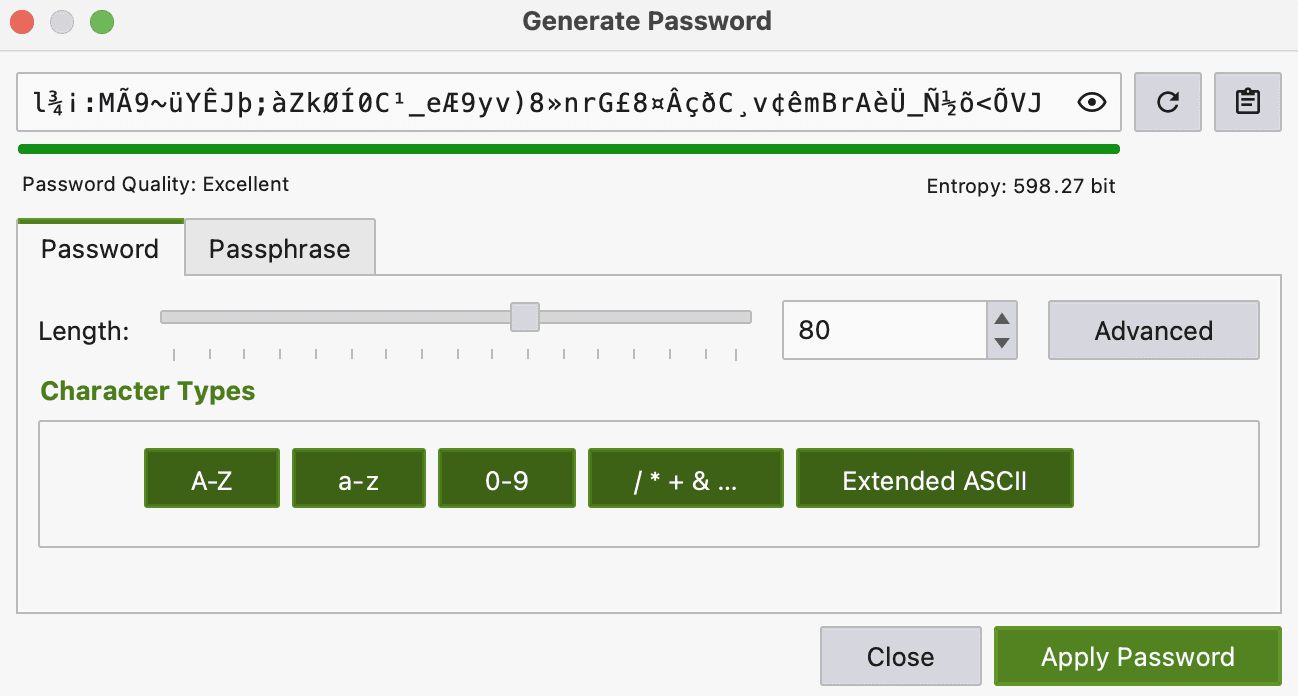
Use a password manager. Passwords are the primary line of protection for most accounts, and a password manager is the best way to generate and retain long, random, unique credentials, usernames, and correct site URLs.
The guide specifically discusses approaches such as using KeepassXC for higher-importance credentials and Bitwarden for broader day-to-day convenience.
Password strength
The longer and more random the better. Password managers make this easy, though some services impose frustrating character or length limits.
Passphrases
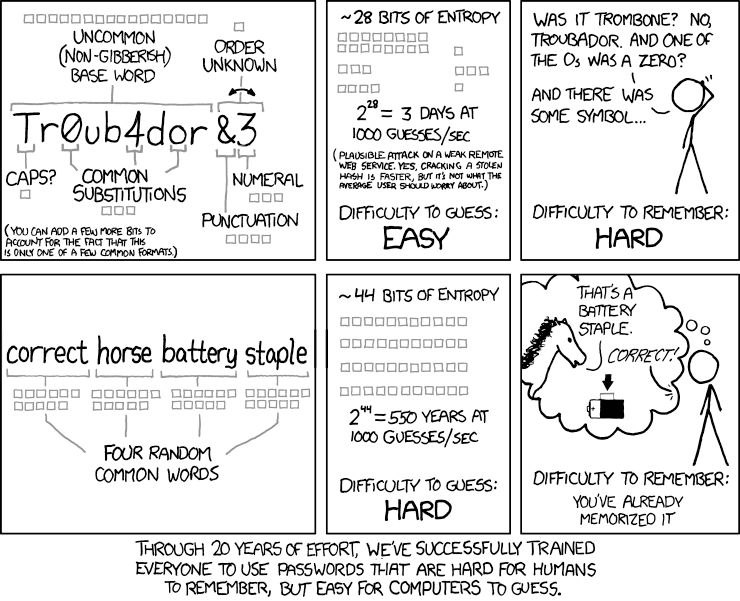
Some secrets still need to be memorable, such as the password to your password manager. In those cases, strong passphrases or memorable but random constructions are far preferable to predictable phrases, quotes, or lyrics.
Usernames & email addresses
Unique usernames and unique email aliases materially improve security. The guide recommends different aliases per service where possible, including catch-all domains and forwarding setups so a breach in one place does not immediately map your wider account footprint.
It also stresses the value of using your own domain so you can move providers without losing your address structure.
Email links
Never rely on links inside emails. Visit important services through known bookmarks or directly entered URLs. Even well-crafted messages can hide malicious domains or spoofed sender details.
MFA (Multi Factor Authentication)
Two-factor authentication is one of the most effective ways to harden account security. The guide recommends hardware MFA where possible, and authenticator apps as the next best default.
Phone based MFA
Phone-based MFA should generally be avoided because it remains vulnerable to SIM swapping.
Hardware MFA devices
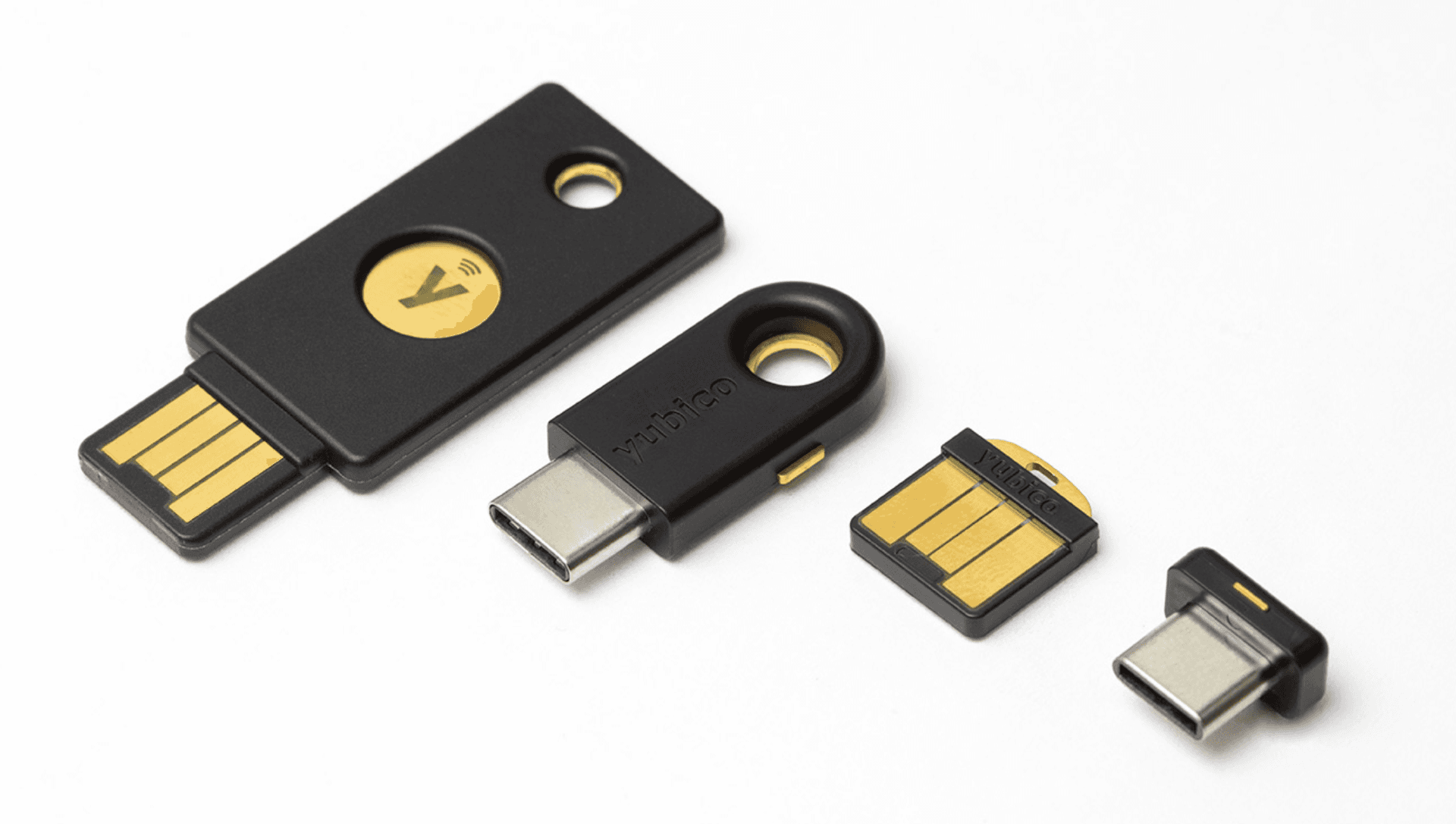
Hardware keys such as Yubikeys provide a much stronger second factor. The guide recommends having multiple registered devices for redundancy where supported.
Authenticator apps
Authenticator apps are a strong baseline when hardware MFA is unavailable. Open-source options and apps that support export or multi-device redundancy are preferable.
Mnemonic seed management
A seed is the key to most wallet systems and must be protected at all costs. Never enter a seed phrase into a website, never share it casually, and do not upload screenshots of it to cloud services.
Safe deposit boxes
Safe deposit boxes can be useful for resilient backups, but the guide recommends structuring storage so no single person or location reveals the full plain-text seed.
Encrypted USB sticks / memory cards
Digital encrypted backups are controversial but can be made more resilient when handled carefully. The guide recommends multiple copies and avoiding compromised computers when accessing them.
Paper storage (cyphered)
The guide also explores ciphered paper approaches that make a physical backup harder for a third party to interpret even if they obtain it.
Wallets
Standard software wallets
Standard software wallets are the common browser or app wallets that rely on mnemonic seed phrases. They are convenient but should be treated according to their risk profile.
Multi-signature wallets
Multi-signature wallets such as Gnosis Safe can be excellent for certain use cases, including stronger control over high-value funds or shared custody situations.
Hardware wallets
Hardware wallets remain the standard recommendation for higher-value assets. Buy direct from the manufacturer, generate your own seed on-device, and verify transaction details on the device screen itself.
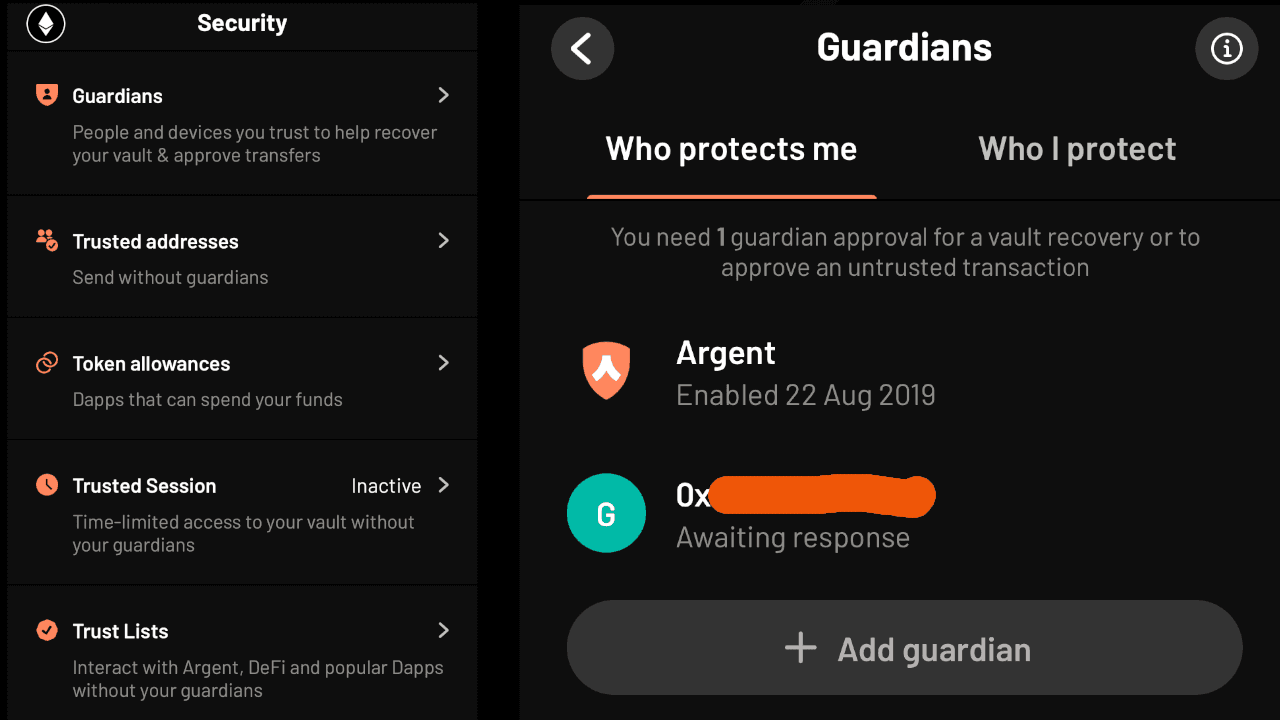
Social recovery wallets
Social recovery wallets offer another model that can improve recoverability and user experience. The guide highlights Argent as a leading example.
Migrating from software wallet to hardware wallet
If moving many NFTs is prohibitively expensive, one fallback described in the guide is importing the existing seed into a hardware device and removing it from previous software-wallet contexts.
Wallet usage
The guide recommends separating hot wallets for routine activity from cold wallets used for larger-value holdings, and avoiding risky contract interactions directly from cold storage wherever possible.
Token approvals
Revoke approvals you no longer need. Over time, unnecessary approvals accumulate and leave wallets exposed to avoidable risk.
Backups
Everything important should have redundancy. The guide specifically frames backup planning around fire, theft, death, data decay, and the absence of single points of failure.
VPNs
VPNs can reduce unnecessary exposure of your home IP address and help defend against some network risks, though they are not a complete privacy solution on their own.
Phone Operating System (OS)
Your phone platform matters. The guide discusses the trade-offs between stock Android, iPhone, GrapheneOS, and CalyxOS, along with hardening features such as Google Advanced Protection and Apple Lockdown Mode.
Numbers, SIMs and VOIP
Minimizing reliance on your primary phone number can materially reduce SIM-swap risk. The guide discusses secondary SIMs, VOIP numbers, and strategies that separate public contact channels from sensitive identity infrastructure.
Redflags
- Unexpected app, website, or file behaviour
- Feeling rushed into an action
- Messages claiming compromise and demanding urgent response
- Lookalike domains and mismatched sender addresses
- Unsolicited files, links, and private messages
- Anything asking for your seed phrase
OPSEC (Operational Security)
OPSEC is about reducing the unnecessary exposure of your identity, home address, communications, devices, and habits. The guide recommends compartmentalized emails, alternative phone numbers, encryption, reduced disclosure, and safer environments for opening suspicious content.
Conclusion
There is no such thing as perfect security. The goal is to build enough layers that your core assets, accounts, and recovery paths are much harder to compromise or lose catastrophically.
Actions to take now
- If you do not have a password manager, get one now
- Audit and replace reused passwords
- Revoke token approvals you no longer need
- Add bookmarks for important websites
- Refresh or create backups
- Write a guide for your next of kin
- Develop and execute a strategy for passing on digital assets safely
- Review your habits and identify where they expose you to avoidable risk
Living guide on GitHub
The GitHub repository remains the living canonical source for updates, corrections, and community contributions.
Canonical open-source source: https://github.com/NonFunGerbils/Gerbils-Security-Guide-for-Crypto-and-NFTs
Social engineering
Social engineering ranges from direct impersonation to long-running trust-building attacks. Attackers may befriend victims, learn habits and personal details over time, and then use that information in later attacks.